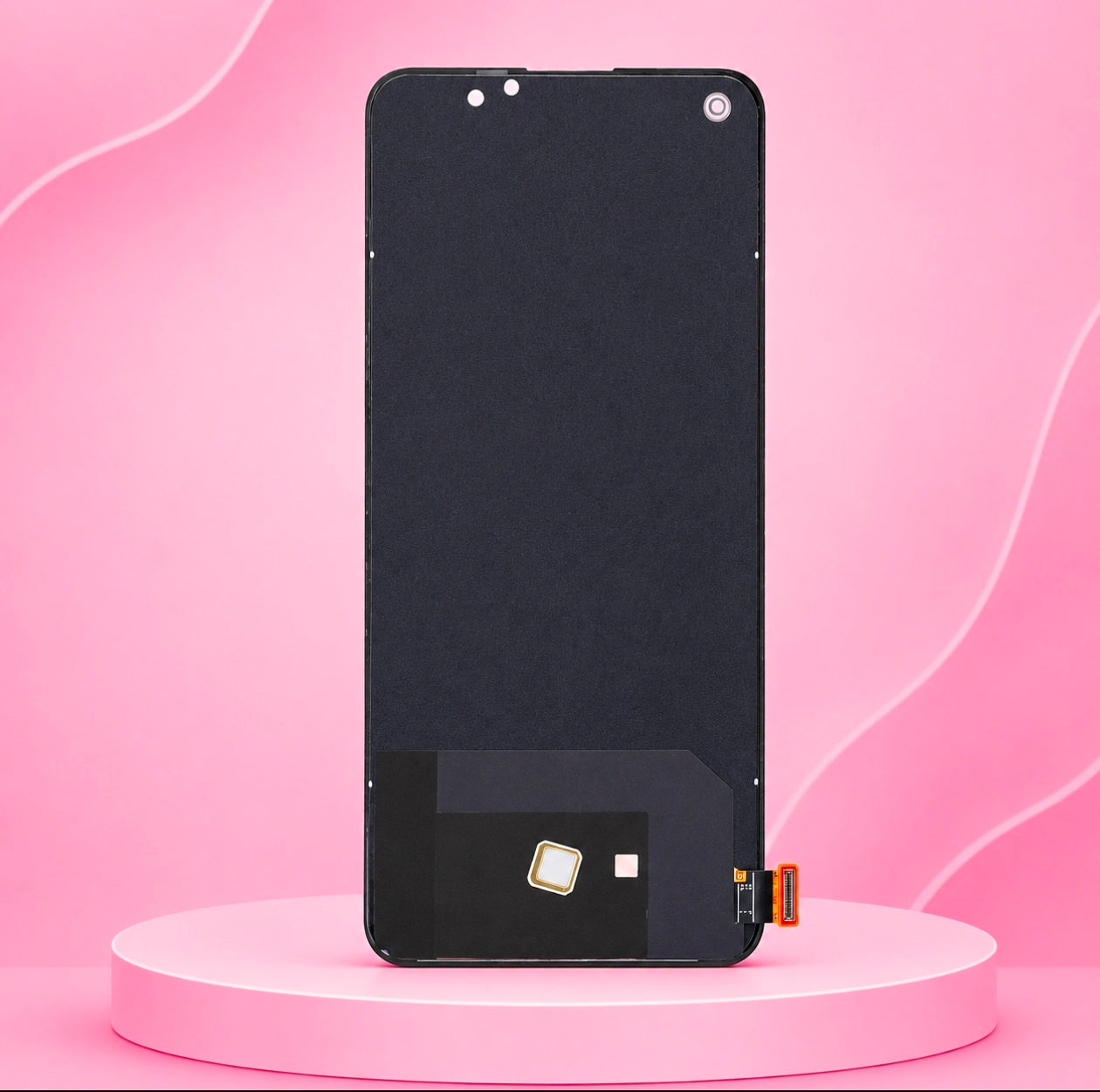
OnePlus Nord 2 5G Display & Touch Screen Digitizer Combo - Black | Display Combo for OnePlus Nord 2 5G – Display Screen & Touch Glass Assembly (Black)
OnePlus Nord 2 5G Display & Touch Screen Digitizer Combo - Black | Display Combo for OnePlus Nord 2 5G – Display Screen & Touch Glass Assembly (Black)
Couldn't load pickup availability
Overview
Bring your device’s visual performance and smooth touch response back to life with this high-quality Replacement Display and Touch Screen Digitizer Combo Folder for OnePlus Nord 2 5G. Designed for precise fitment, this complete pre-bonded assembly is the ideal fix for cracked front glass, damaged displays, touch unresponsiveness, vertical lines, or complete screen blackout.
Key Features
Complete Assembly Unit: Combines the outer touch glass digitizer and inner display panel pre-bonded into a single folder unit for straightforward replacement.
Vibrant Visual Quality: Delivers sharp color reproduction, crisp contrast, and excellent brightness levels matching original display performance.
Smooth & Responsive Touch: Ultra-sensitive digitizer panel ensures instant touch accuracy and smooth gesture response.
Precise OEM Fit: Engineered specifically for the OnePlus Nord 2 5G with exact punch-hole cutouts for the front camera and internal flex connector routing.
Solves Display Issues: Fixes cracked glass, dead pixels, non-responsive touch input, screen flickering, discolored patches, or blank displays.
Technical Specifications
Compatible Phone Model: OnePlus Nord 2 5G
Part Type: Full Display Screen + Touch Screen Digitizer Combo Folder
Display Color: Black
Touch Panel: Capacitive Multi-Touch
Flex Cable: Pre-attached Ribbon Cable with OEM Connector
Condition: Brand New & Tested Before Dispatch
Important Installation Notes
Dry Test Recommended: Always connect the flex ribbon cable to the motherboard and test the display and touch functionality before applying frame adhesive or removing protective films.
Professional Installation Preferred: Screen replacements require delicate tools and technique. Installation by a professional technician is recommended to prevent damage to the flex connector or internal components.
Share